Verified review
“Finally, I can turn my favorite photos into bead patterns. Watching the picture come together is so satisfying.”

Mia L. App Store
Turn a photo into a bead pattern, find your colors, and follow every bead. Make something that feels like you, with PixelBead.


“Finally, I can turn my favorite photos into bead patterns. Watching the picture come together is so satisfying.”
“The color counts are my favorite part. I know which beads to get ready before I start.”

“I like being able to edit the result. A few little changes make the pattern feel much more like my photo.”

“Changing the size and number of colors makes it easy to start with a small, simple project.”

“Saving my progress is so useful. I can come back and carry on without finding my place again.”

“I used to search everywhere for patterns. Now I can try making my own.”

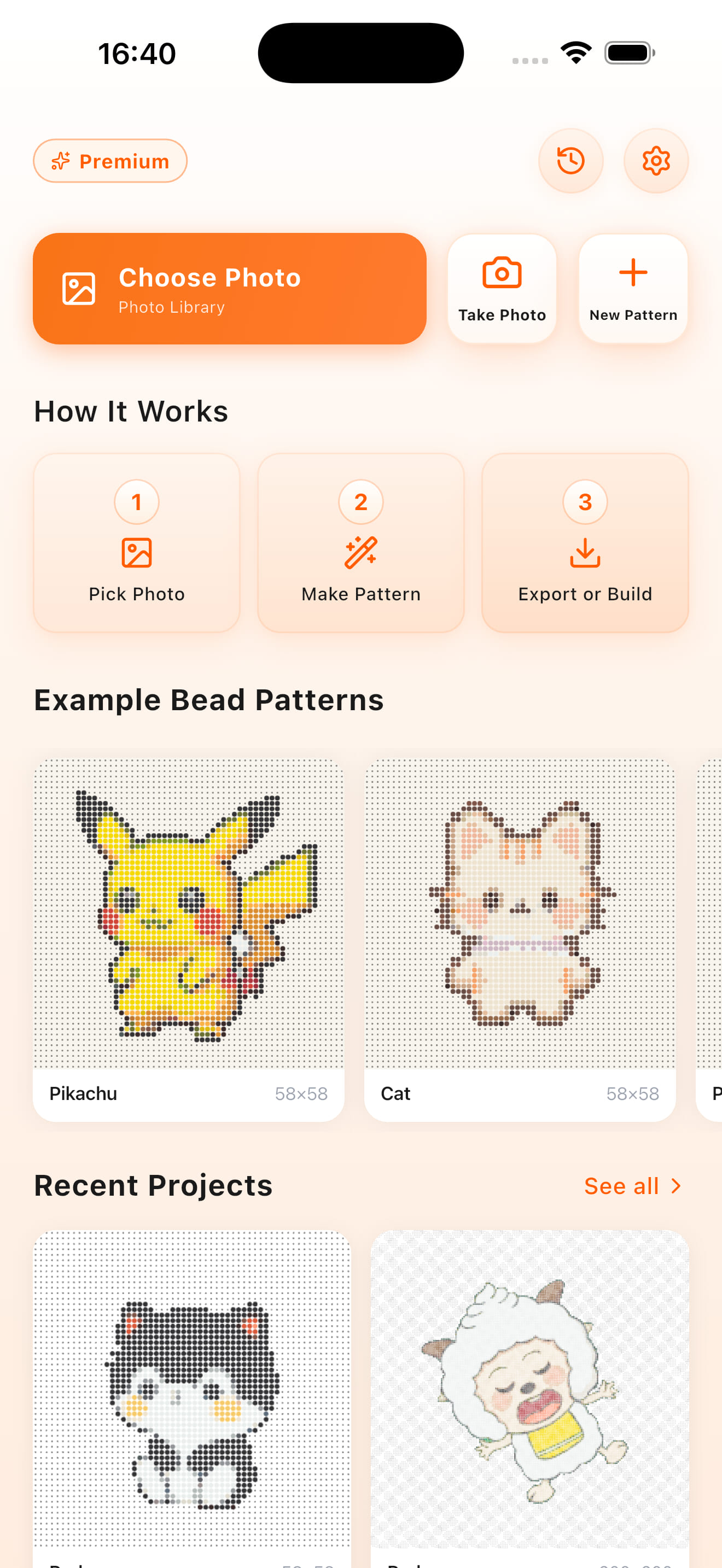
A little inspiration. Three simple steps. One creation to call your own.
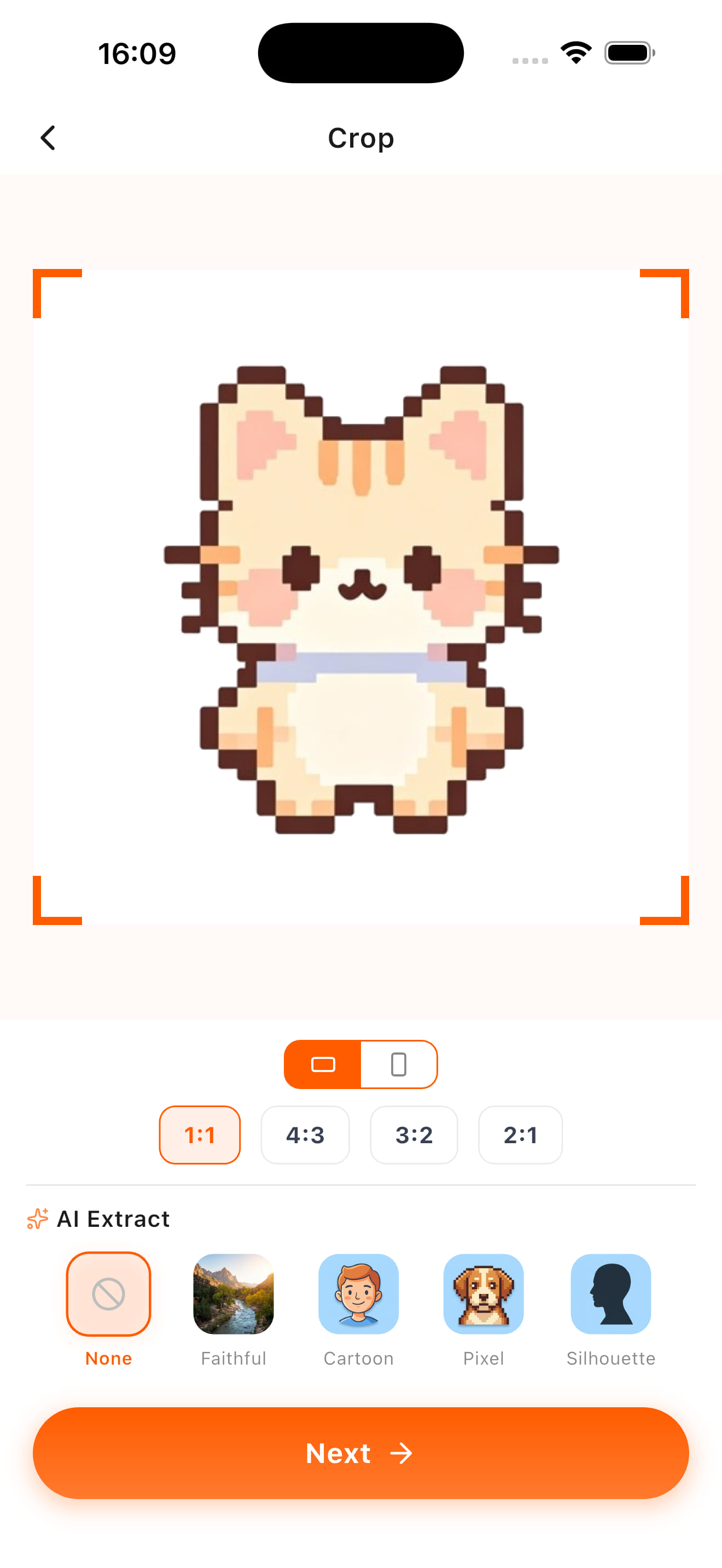
Start with a pet, a portrait, or a favorite memory. Crop around the subject you want to make.
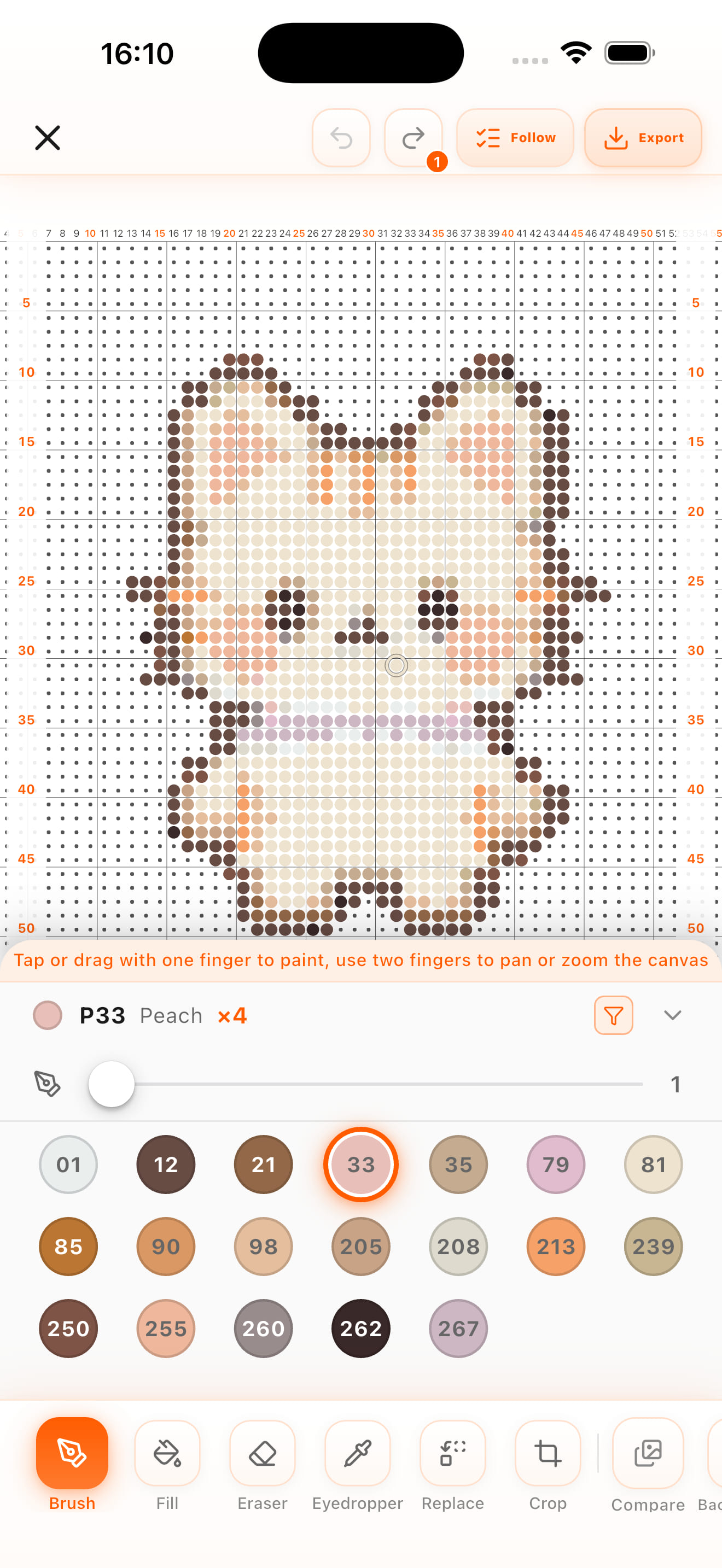
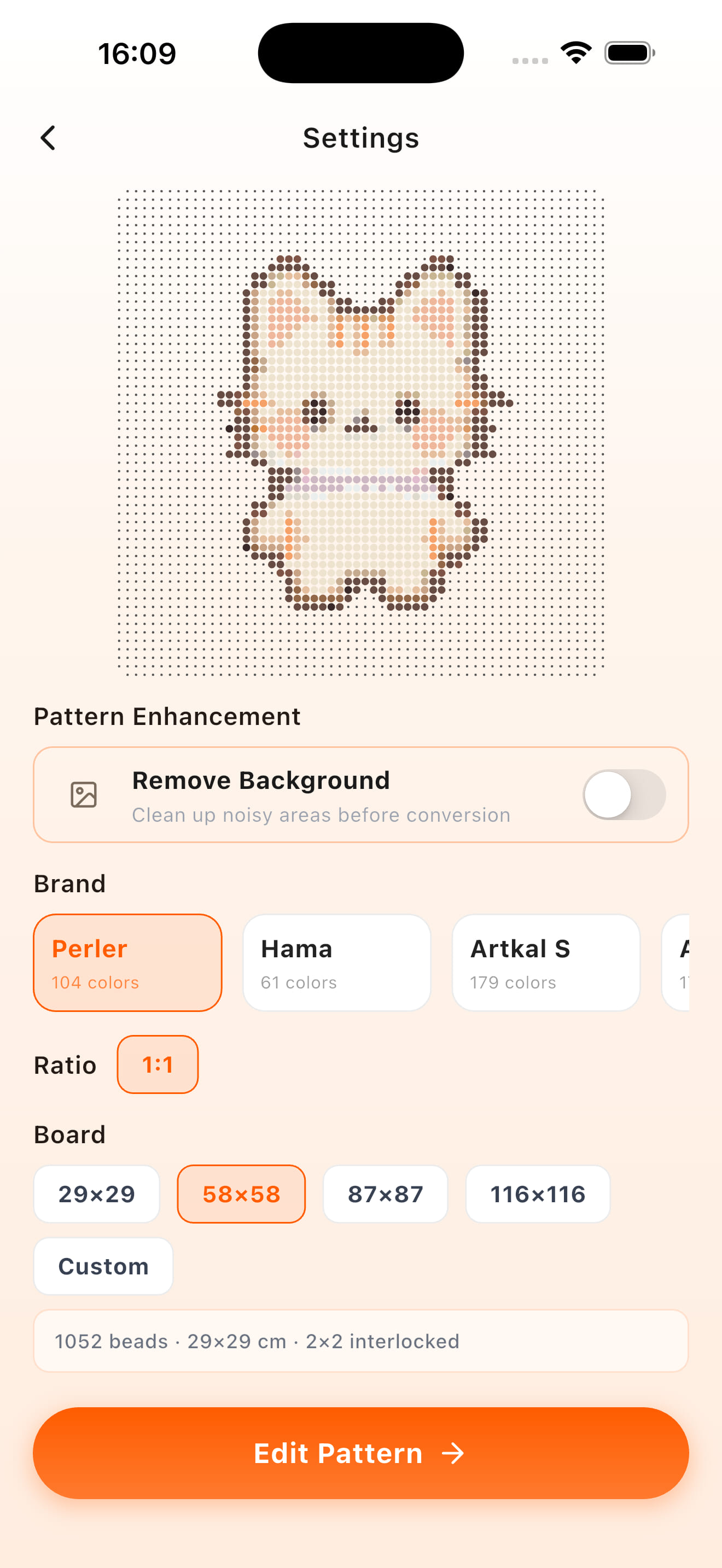
Adjust the size and color count. Refine details with the pattern editor.
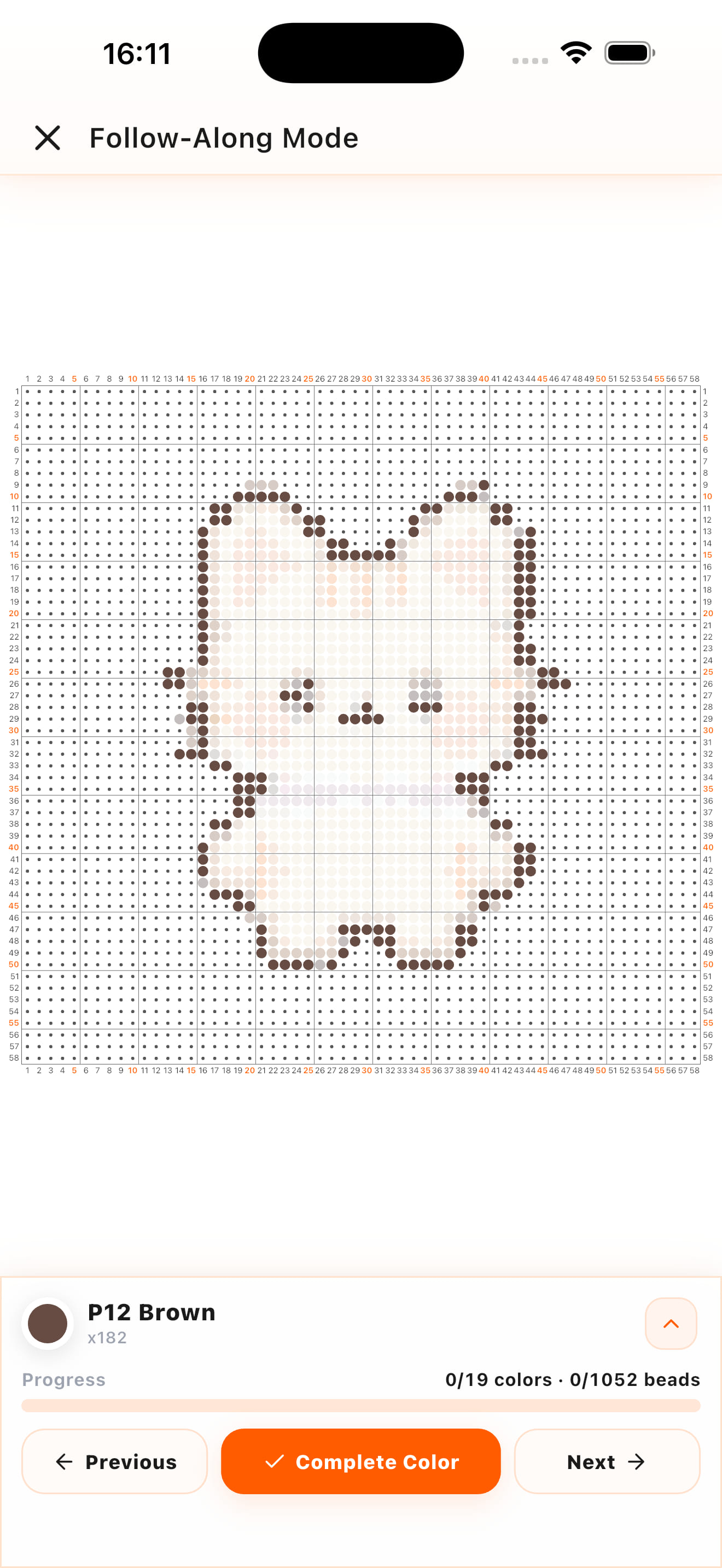
Prepare your beads, follow the colors, and mark your progress as you go.
Less time figuring things out. More time making.
Work with palettes from Perler, Hama, Artkal and Nabbi.
Adjust the size and color count. Draw, fill, erase and pick colors to refine every detail.
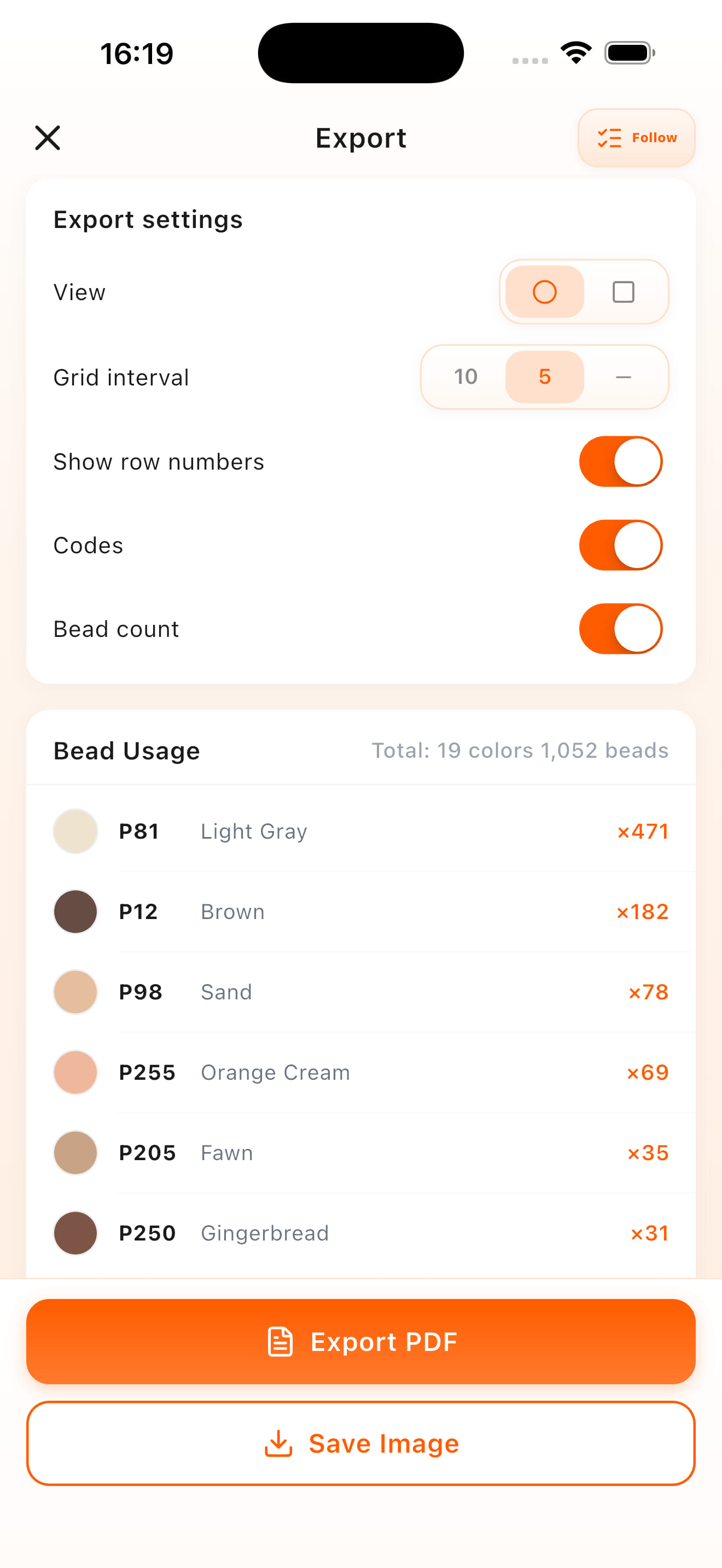
See how many beads you need for each color in your pattern.
Follow colors and record your progress across making sessions.
Export a PNG or PDF with Premium for your preferred workflow.
Optimized for iPad and Android tablets. Enjoy more room to view your pattern, refine the details, and follow each color as you create.
Your whole making process, in one app.
A sleepy cat. A favorite face. A little moment you want to keep. Turn it into a project you can work on, bead by bead, with a pattern made for you.
Read the photo-to-pattern guideThe app is free to download and use. Some features require Premium. Check the app for current plans and pricing.
Yes. PixelBead supports iPhone, iPad, Android phones and tablets, with a dedicated experience optimized for larger tablet screens.
PixelBead includes Perler, Hama, Artkal S and C, and Nabbi palettes. You can also create your own palette, add or edit colors, or copy colors from other palettes to match the beads you have.
Yes. Use the brush, fill, eraser and eyedropper to adjust the pattern. Start with a clear, closely cropped photo for a simpler first project.
Premium supports PNG and PDF export. You can also follow your pattern and record progress inside the app.
The app supports 32 language options: English, Simplified Chinese, Traditional Chinese, Japanese, Korean, French, German, Spanish, Portuguese, Italian, Dutch, Polish, Czech, Slovak, Danish, Swedish, Norwegian Bokmål, Finnish, Greek, Hungarian, Romanian, Croatian, Russian, Ukrainian, Turkish, Arabic, Hebrew, Hindi, Indonesian, Malay, Thai, and Vietnamese.
PixelBead is an iOS and Android app. Download it to create and edit patterns on your phone or tablet.
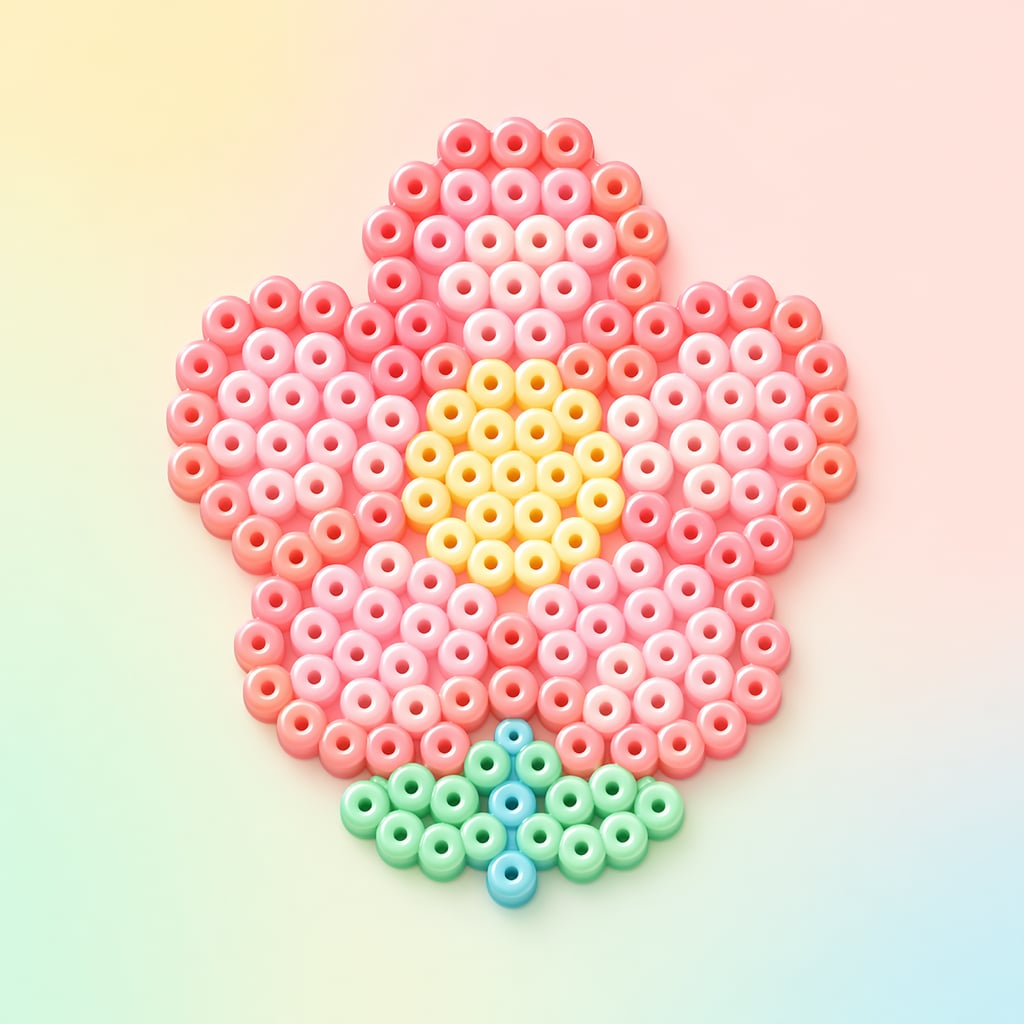
Pick a photo you love. Let PixelBead help you make it.